

Decision records
Record significant decisions ADR-style - the context, the options, the choice, the rationale, and a sign-off trail - so the reasoning survives.
What a decision record is
A decision record (the pattern is widely known as an "Architecture Decision Record" or ADR, though orboto's version isn't limited to architecture) is a short, structured document capturing one significant decision: what situation prompted it, what options were on the table, which one was chosen, and why. The point isn't ceremony for its own sake - it's that six months from now, someone (possibly you) will ask "why did we do it this way instead of the obvious alternative," and the honest answer will either be sitting in a searchable record, or it will be gone, guessed at, or worse, contradicted by someone's half-remembered version of events.
orboto's decision records add two things a plain wiki page usually lacks: a workflow status so a decision's lifecycle is explicit (proposed, not just "written down somewhere"), and an append-only sign-off trail so you can prove specific people actually reviewed and approved it, not just that someone typed up a rationale after the fact.
Fields, explained
- Title - a short, specific name for the decision (e.g. "Use PostgreSQL over MongoDB for the ACME billing service").
- Context - the situation or problem that made a decision necessary in the first place. Write this as if the reader has none of the background you currently have - because eventually, they won't.
- Options considered - the alternatives that were actually on the table, one per line. Listing the roads not taken is often more useful later than the choice itself: it proves the decision wasn't made in a vacuum, and it saves a future team from re-litigating an option that was already ruled out for a documented reason.
- Chosen option - which of the above was picked.
- Rationale - why that option won. This is the field that answers the "why" question a year from now.
- Consequences (optional) - the known trade-offs or follow-on effects of the choice, if you know them up front.
- Status - proposed / accepted / rejected / superseded / deprecated (see below).
- Accountable owner - the person responsible for the decision.
- Linked project / milestone / ticket (optional) - ties the record
to the concrete work it relates to, so it shows up in context rather
than only in a standalone log. Added in v0.230.0 A link stays inside
the record's project: the milestone and the ticket must belong to the
linked project. A milestone or ticket of another project is refused with
404(errors.milestones.not_found,errors.tickets.not_found), as is a milestone or ticket on a record with no project, and so is changing the project of a record whose stored milestone or ticket belongs to the old one - clear or change the link in the same save. Links that older versions let through are found and cleared under Data integrity.
Recording a decision
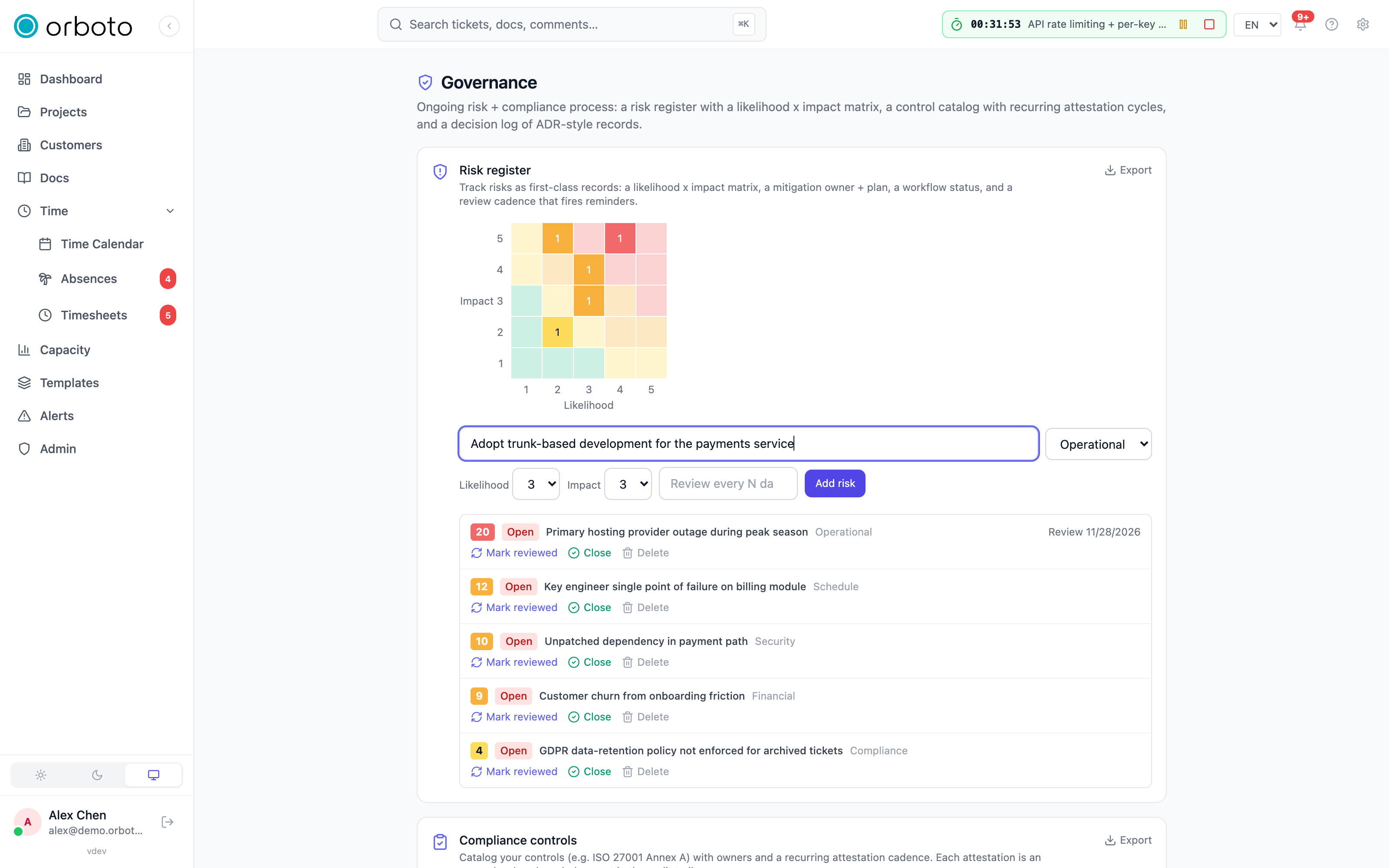
- Open Admin -> Governance and use the Decision log card.
- Fill in the title, context, options considered (one per line), the chosen option, and the rationale. Consequences are optional but worth filling in when you already know them.
- Optionally set an accountable owner and link a project, milestone, or ticket.
- Click Record decision.
Sign-offs
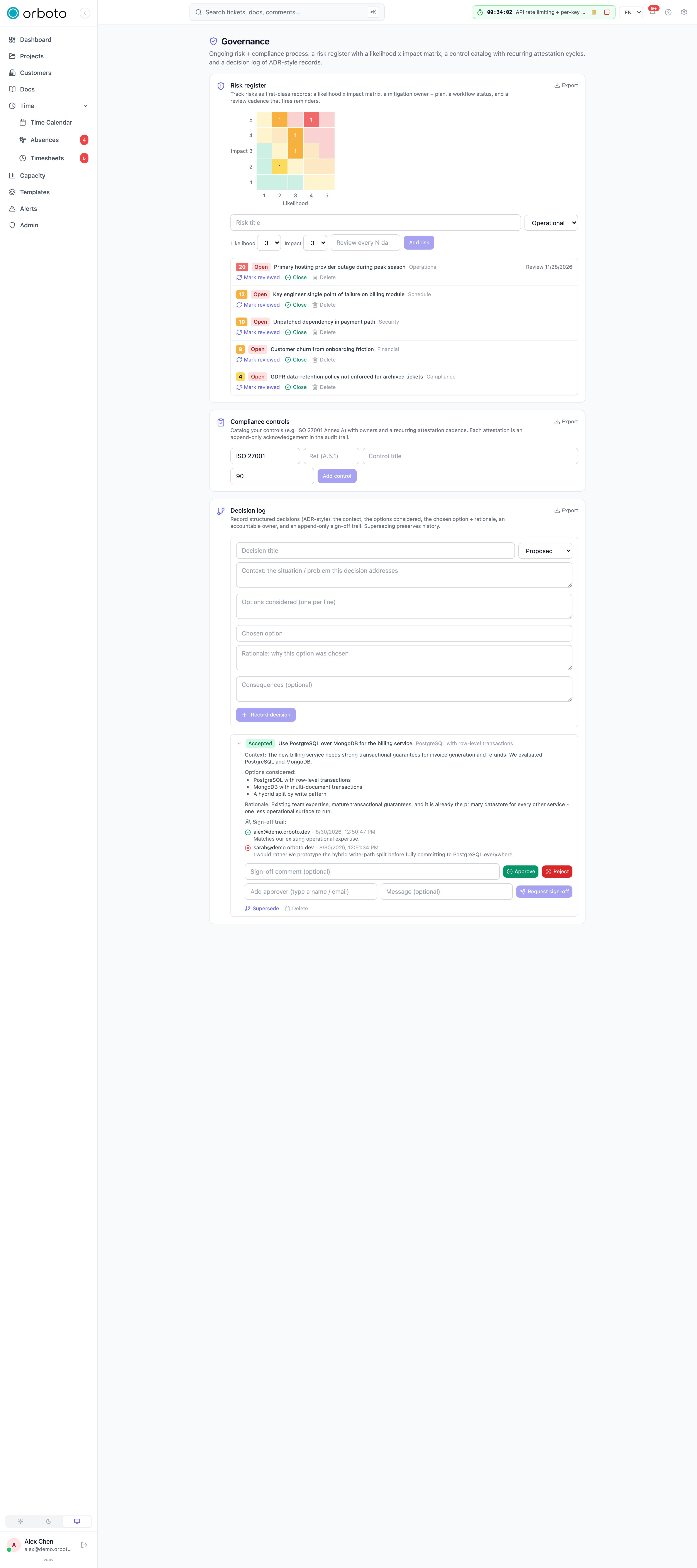
A decision can carry a sign-off trail: a record of who reviewed it and their verdict. Two ways this happens:
- Request sign-off - pick one or more approvers and an optional message; each named approver is notified.
- Approve / Reject - anyone reviewing the decision can add their own verdict directly, with an optional comment, whether or not they were formally requested.
Every sign-off is append-only - a rejected verdict doesn't get edited into an approval later; if someone changes their mind, that's a new sign-off entry, so the trail always shows the full history of who said what and when, not just the latest state.
Status and superseding
A decision's status tracks its lifecycle:
| Status | Meaning |
|---|---|
| Proposed | Written up, not yet formally accepted |
| Accepted | The decision stands and is in effect |
| Rejected | Considered and explicitly not adopted |
| Superseded | A later decision has replaced this one |
| Deprecated | No longer relevant, without a specific replacement |
Decisions change over time - that's expected, not a failure of the original one. Instead of editing an old decision to reflect new thinking (which destroys the very history you were trying to preserve), record a new decision and mark it as superseding the old one. The old record automatically flips to superseded status and gains a visible link forward to the decision that replaced it, while the new record links back. Both stay readable - you get the full "we decided X, then later decided Y instead, and here's why" chain, rather than a single record that's been silently rewritten.
Exporting for evidence
Click Export on the Decision log card to download every decision record - full detail, including sign-off trails - as a machine-readable file. This is built specifically for handing to an auditor or attaching to a customer's security questionnaire response, so you don't have to reconstruct a decision history from scratch every time someone asks for it.
Permissions
Reading decisions requires admin:decision:read; creating, updating,
recording a sign-off, requesting one, and deleting all require
admin:decision:write. Every mutation - including each individual
sign-off verdict - is written to the audit log, because for this
surface the trail itself is the point.
Troubleshooting
- I need to change a decision I already recorded - if the facts described are simply wrong (a typo, a missing detail), edit it directly. If the decision itself has genuinely changed, don't edit the old record - record a new one and mark it as superseding the old one, so the history of "we used to think X, now we think Y" survives.
- A sign-off I requested never got a response - sign-off requests notify the named approvers but don't enforce a deadline; follow up with them directly, or request sign-off again if the original notification may have been missed.
- I can't find an old decision anymore - check whether it was marked superseded or deprecated; by default the list may be scoped to active decisions, so switch to viewing all statuses (including superseded) to see the full history.
- The Export button doesn't include something I expected - export covers every decision record and its full sign-off trail regardless of status, so if something's missing, confirm it was actually recorded as a decision record here rather than tracked elsewhere (a ticket comment, a doc page) that this feature doesn't scan.