

Customers and guests
How to organise external customer relationships and control exactly what guest users can see.
orboto lets you bring people from outside your team into the right slice of a project - a client, a contractor, a stakeholder - without exposing everything. This chapter covers the Customers area (for organising external relationships) and what the experience looks like for a guest or external user.
Customers
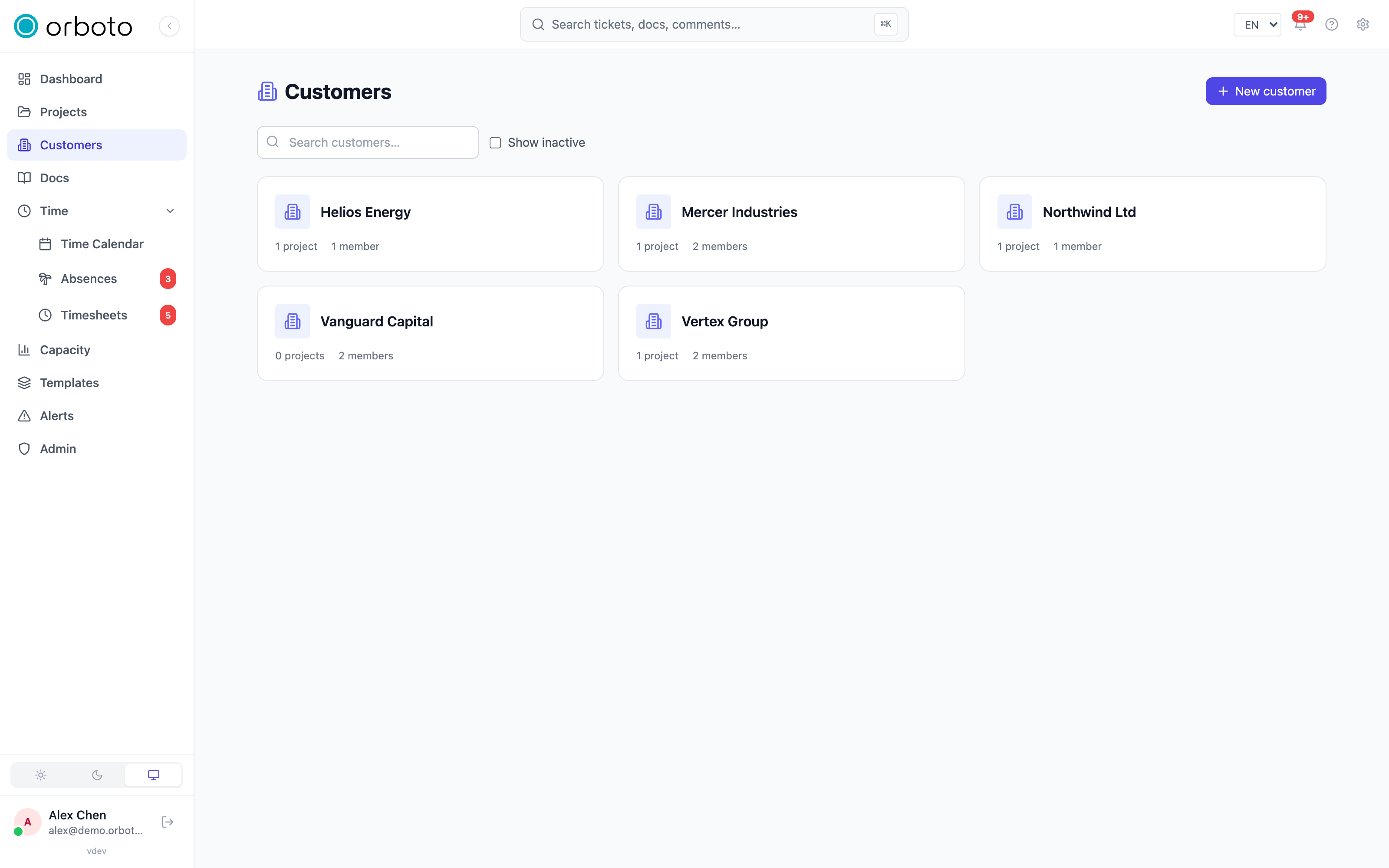
If you have customer-management permission, Customers appears in the sidebar. A customer is an external organisation you work with, used to group projects and the external people tied to them.
- Add a customer with just a name to start - the rest can be filled in afterwards.
- Each card shows how many projects and members are associated, and an inactive badge once archived.
- Archive a customer you no longer work with (and reactivate later); use the show-inactive toggle to see archived ones. Search by name to find one quickly.
Inside a customer
Opening a customer gives you four tabs:
- Overview - name, logo, default hourly rate (used when generating a customer report priced in money), billing address, a primary contact person, and free-text notes.
- Members - the external people tied to this customer. Create at least one customer-scoped role first (on the Roles tab), then invite a new person by email or add an existing user. Sync members to all projects copies the current member list onto every project linked to this customer in one action - handy after adding someone new.
- Roles - customer-scoped roles that decide what a member of this customer can do across its projects.
- Projects - the projects linked to this customer.
Customer-scoped invitations mean external contacts land with exactly the access their customer role grants, on every project tied to that customer - not project by project.
What guests see
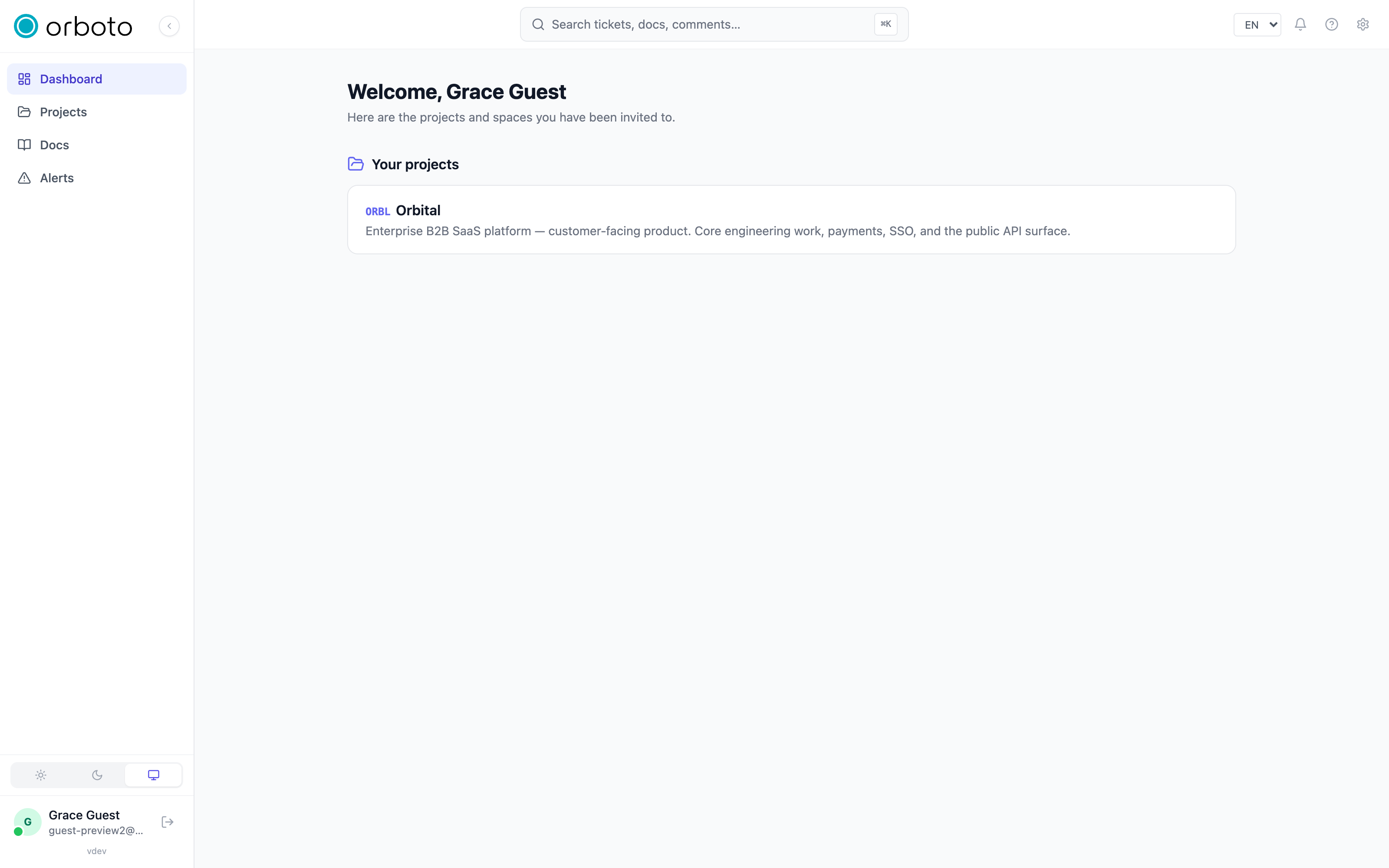
Guest and external users get a deliberately narrow experience:
- Their home screen is a simple list of just the projects and doc spaces shared with them - not the full dashboard.
- They see only the tickets and milestones that have been opened to guests (see below), plus tickets they created themselves.
- Internal-only areas (Timesheets, Absences, Capacity, Admin, and so on) are hidden entirely.
Opening a project to guests
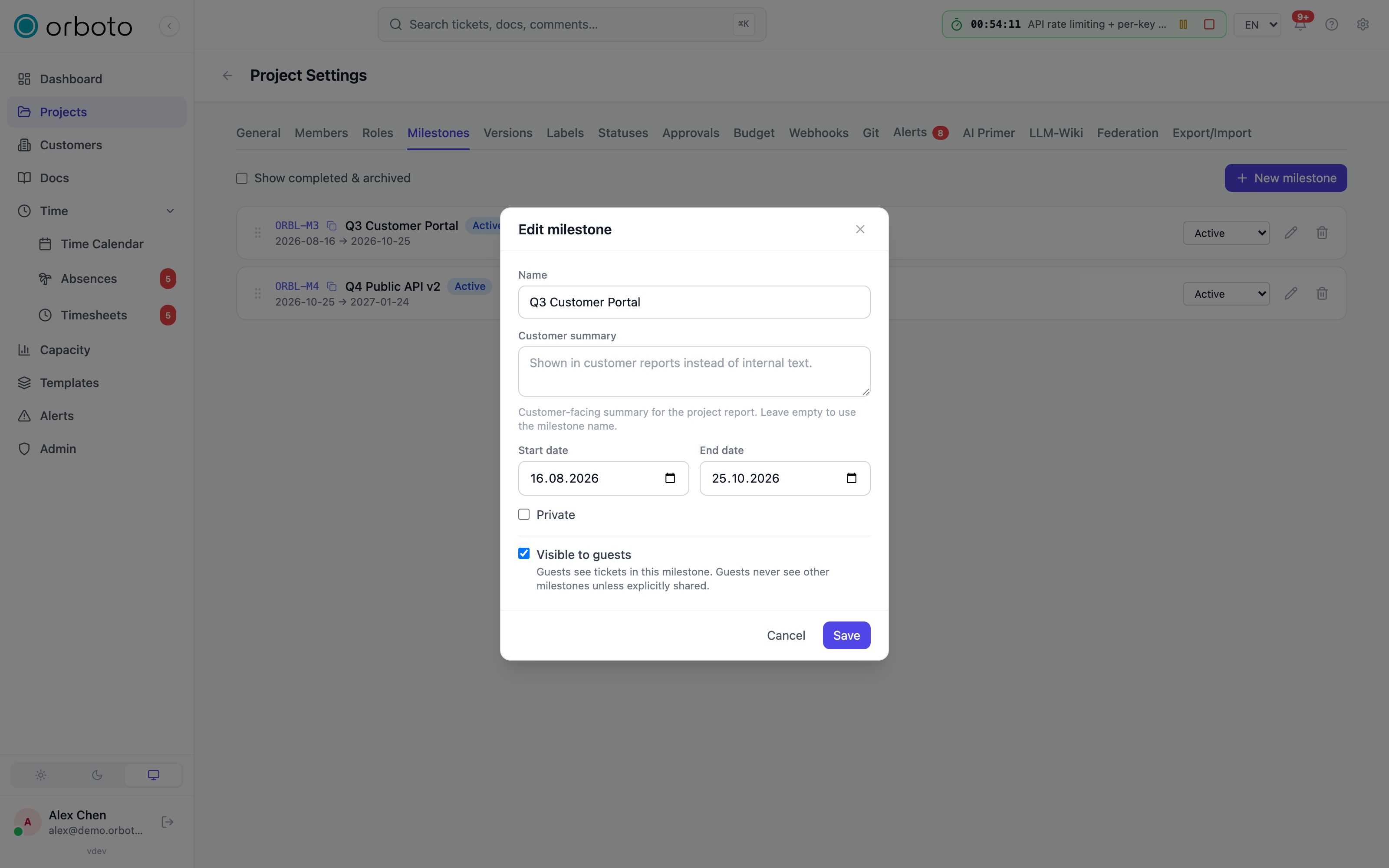
Guest visibility is controlled per milestone, not with one project-wide switch:
- Open a milestone's edit dialog and turn on visible to guests. Every non-private ticket inside that milestone becomes visible to guest and external users.
- A ticket a guest created themselves is always visible to them, even outside a guest-visible milestone.
- In the project's Settings, two further toggles narrow what a guest sees on an individual ticket: hide private tickets from guests (governs the single-ticket view specifically - lists and search already hard-exclude private tickets from guests regardless of this setting), and hide comments from guests.
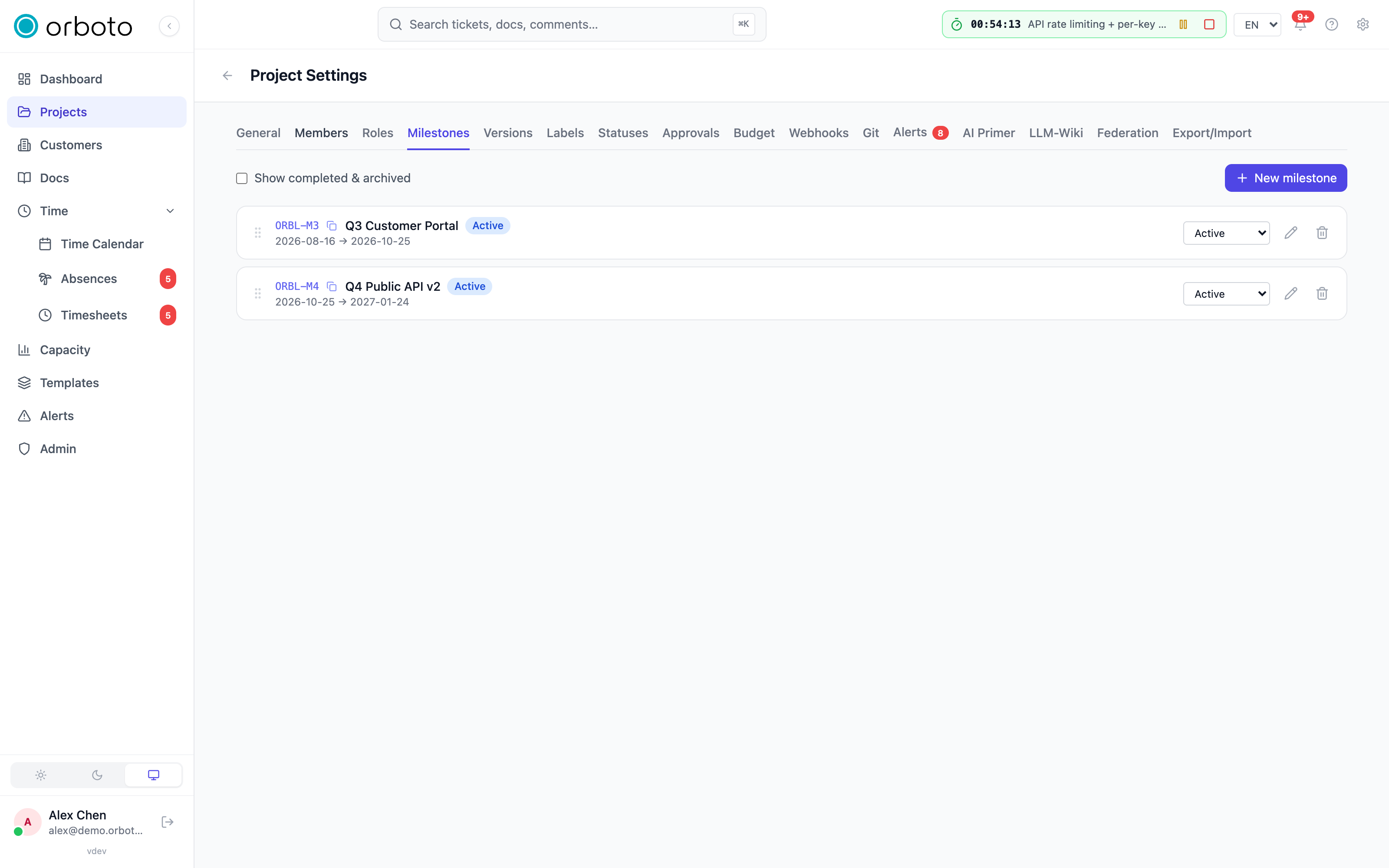
To preview exactly what an external user will see, use the Guests filter toggle on the project's filter bar - it narrows the board to tickets a guest could actually see (see Projects and tickets).
Inviting people
When inviting someone to a project, choose whether they join as a regular member or as a guest - guests are automatically held to the narrower view above regardless of what role they're given. Invitations are sent and managed by workspace administrators (in the admin area), or by anyone with the right permission straight from a project's Settings.
Troubleshooting
- A guest still can't see a ticket I expect them to. Check that its milestone has visible to guests turned on, and that the ticket itself isn't marked private - private tickets stay hidden from guests everywhere, independent of the settings toggles. Added in v0.230.0 The same goes for a sub-ticket of a private ticket and for a sub-ticket of a ticket in a private milestone: a guest never sees them, whatever the sub-ticket's own settings say.
- I can't add a member to a customer. Create at least one customer-scoped role on the Roles tab first - the Members tab blocks adding people until one exists.
- A newly added customer member doesn't show up on the projects. Use Sync members to all projects on the Members tab - adding someone to the customer doesn't automatically touch already-created projects.
- I don't see the Customers item in the sidebar. It only appears with customer-management permission - ask a workspace administrator.