

Versions and releases
Plan releases, assign tickets to versions, and reschedule a whole release's tickets with the date cascade.
A version models a release of your product - a name and a target release date, with tickets assigned to the version they ship in. Versions are managed from a project's Settings → Versions tab.
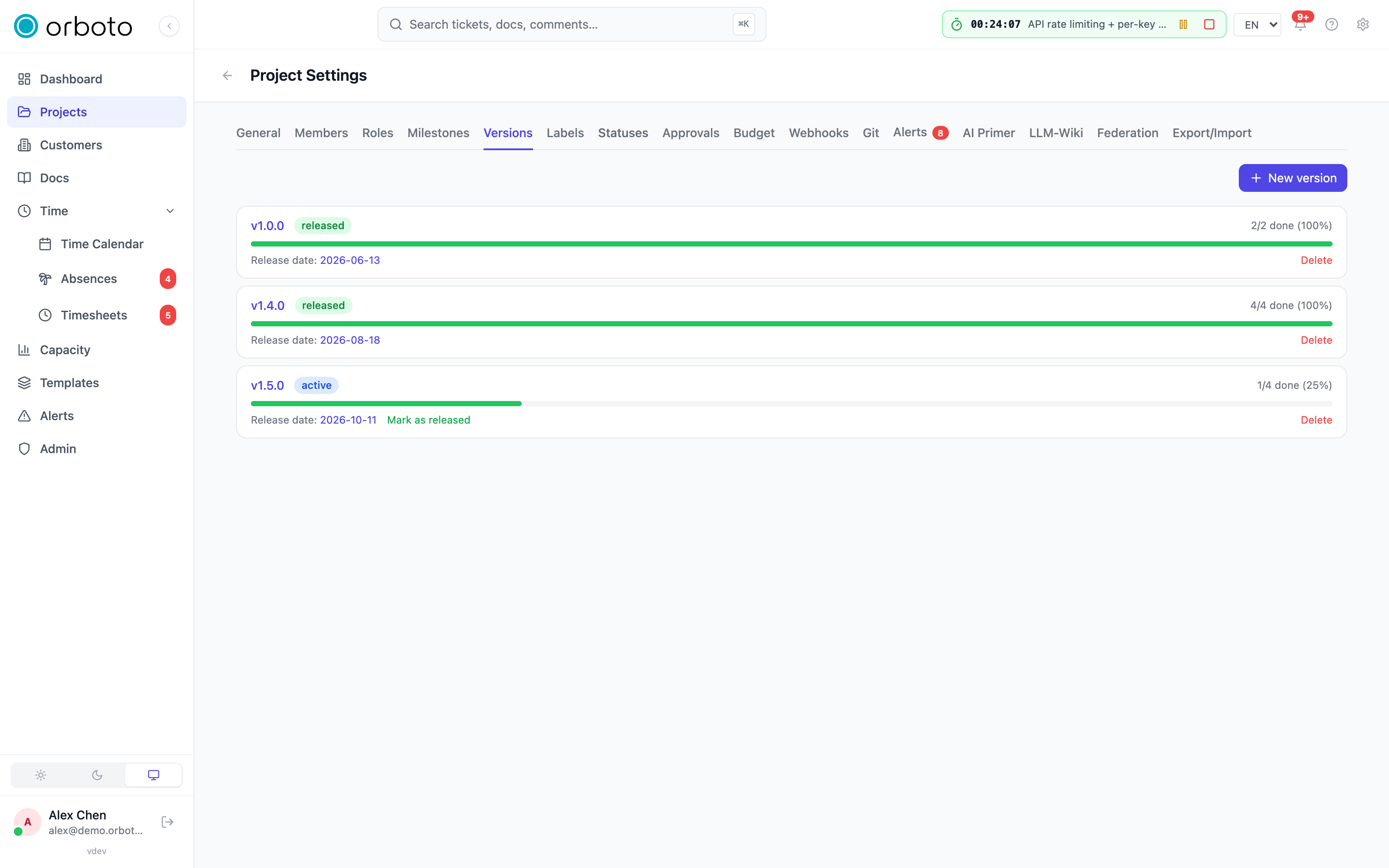
Creating a version
- In a project, open Settings → Versions and select New version.
- Enter a name (for example
v1.2.0) and a release date - both required. - Save.
A version's status moves through draft, active, released, and archived as work progresses; each version also shows a live progress bar of tickets done vs. total.
Assigning tickets
Set a ticket's version from the ticket detail panel, or in bulk from the List view's bulk actions. Assigning a version to a ticket that has no due date automatically sets the due date to the version's release date - the release becomes the deadline by default.
Rescheduling: the date cascade
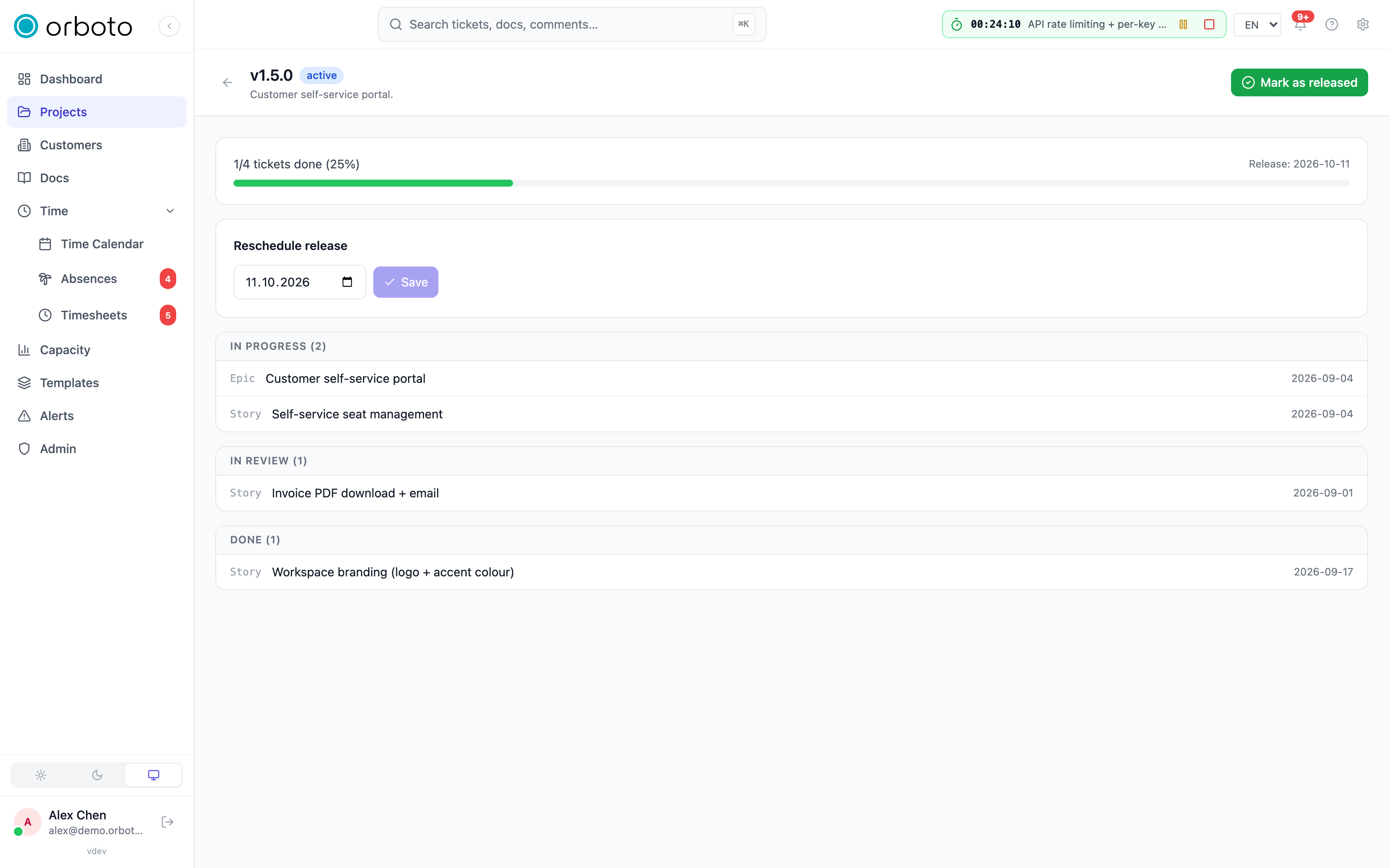
Change a version's release date (in Settings → Versions, or on the version overview page) and, if any of its tickets carry a due date, orboto shows a cascade warning before committing:
- Edit the release date and select save.
- A yellow warning box tells you how many tickets have a due date and would move.
- Confirm shifts every one of those tickets' due dates by the same number of days as the release date, in one atomic operation. Tickets without a due date are left alone.
- Cancel backs out without changing anything.
If no ticket in the version has a due date, the release date updates immediately with no cascade prompt.
Releasing a version (the Mark released button) records the actual release as a fact for that moment - it never reschedules anything, even if the release date and today's date differ.
The version overview
Select a version's name to open its overview page: the same progress bar and release-date editor as the settings tab, plus every ticket in the version grouped by status so you can see at a glance what's still open. Select any ticket to open it directly from here.
Troubleshooting
Changing the release date didn't move any tickets. The cascade only shifts tickets that already have a due date. A ticket with no due date stays unscheduled - set one explicitly if you want it to track the release.
I don't see the cascade warning. It only appears when at least one ticket in the version has a due date; with none, the date just saves.
A ticket won't show up under its version on the overview page. Confirm the ticket's version field (not just its milestone) is set to this version - milestones and versions are independent fields, and a ticket can belong to a milestone without being assigned to any version.